
|
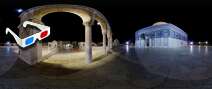
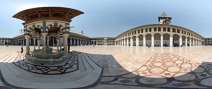
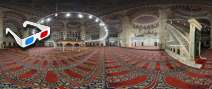
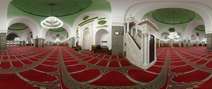
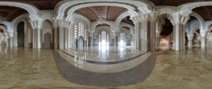
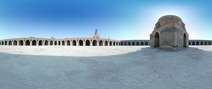
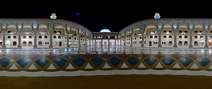
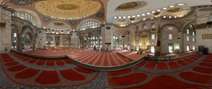
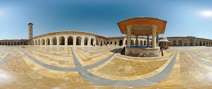
You too can visit these unique places: Just download and run the programs below. Once inside the program, move the mouse to the direction you want to look at. You can use the scroll wheel to zoom in and out. If there is no intervention for five seconds, the program will start showing you around automatically. To use the program as your screensaver press the F5 key. Press F9 to get a list of the 3D sites you downloaded (residing in the same directory) and load the one you like by moving the selection with the direction keys and pressing Enter. Click the left mouse button to jump to the closest (visible) site. Press F1 for help.
E-mail: 3dmekanlar@gmail.com
|
|
|
|
|
|
|
|
|
|
| New Vote Hit Size Name |
| All • TURKEY • Afyon Aksaray Ankara Aydın Bilecik Bursa Denizli Edirne Eskişehir Isparta İstanbul Konya Kütahya Nevşehir • SAUDI ARABIA • Badr al-Ula Khaybar al-Madinah Makkah • HOLLAND • Den Haag Rotterdam • UNIVERS • Mars |
|
|
| New Vote Hit Size Name |
| Hide low quality shots (years 2003-2004) |
Our program for full-screen viewing of 3D sites “360x180° Mekan v6.4”
was updated on 28/6/2008.
To add sound to a panoramic view, all you need to do is to give the same name to an ".mp3", ".wma" or ".wav" file and put to in the same folder as the exe file.
To use the same sound file by more than one panoramic view, use a word or a word group that is common to all exe files. E.g. to hear the azan from the minarets, use a file named "Minare.wma".
If you want the sound to loop, add an extra "_R" to the name. E.g. "Minare_R.wma".
Sites in 3D is a production of www.3DMekanlar.com
You can send your comments to 3dmekanlar@gmail.com