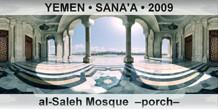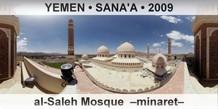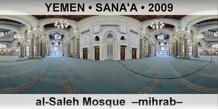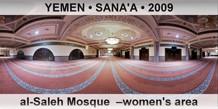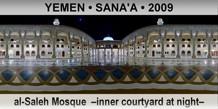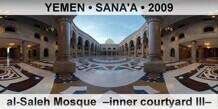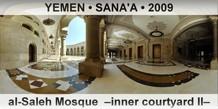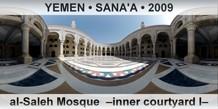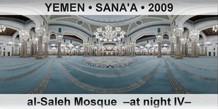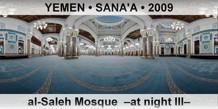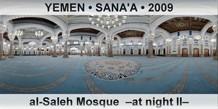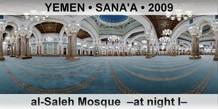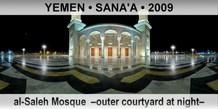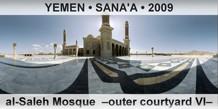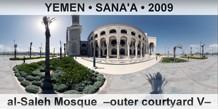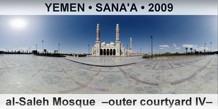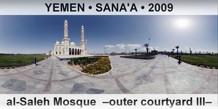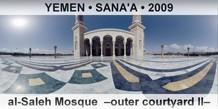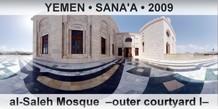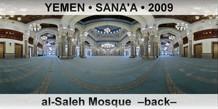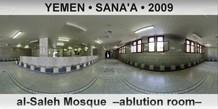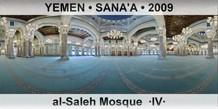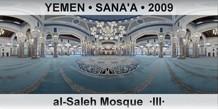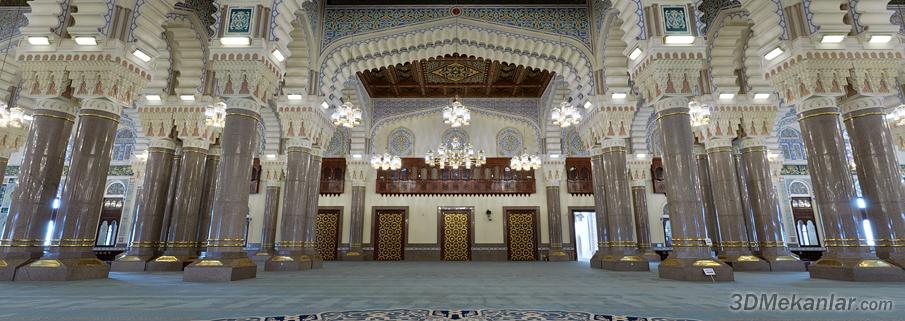
al-Saleh Mosque - 3D Virtual Tour
al-Saleh Mosque virtual tours can be started by clicking the preview window or by downloading the stand-alone versions. Just drag the mouse to the direction you want to look. Use the scroll wheel to zoom at the details. Press F9 to get a list of the 3D sites you downloaded (residing in the same directory). To install the listed sites as a screensaver press F5. Our advise is to install all the sites, including al-Saleh Mosque, as a screensaver. When the screensaver starts, a random site is chosen and shown around automatically (this gives the impression of looking at a documentary in HD quality). To see the usage of other keys press F1. Press Ecs to exit.
Panorama shootings for al-Saleh Mosque were done in the year 2009. Shooting equipment was Nikon D90 digital camera, 10.5 mm fisheye lens, panoramic tripod head and a tripod. For al-Saleh Mosque 600+ pictures were taken. The pictures that are taken for different angles are later combined using a computer to form a full 360 degree panoramic view, surrounding the viewer both horizontally and vertically.